One place for key recordsInformación clave en un solo lugar
Connect customers, projects, documents, and operations instead of searching across separate systems.Relaciona clientes, proyectos, documentos y operaciones sin buscar en múltiples sistemas.
 VSuiteOne
Business operations, connected
Stop chasing information across spreadsheets, messages, and disconnected tools. Connect projects, teams, customers, inventory, and sales in one modular workspace built around the way your company works.Deja de buscar información entre hojas de cálculo, mensajes y sistemas desconectados. Integra proyectos, personal, clientes, inventario y ventas en una plataforma modular adaptada a la forma de trabajar de tu empresa.
30-minute call. Miami, FL · Mon–Fri, 9:00 AM–5:00 PM ET.
Already on VSuite One? Open the app

WHY VSUITE ONEPOR QUÉ VSUITE ONE
Bring your office, team, and customer-facing operations into a shared workflow, without forcing every company into the same setup.Conecta oficina, equipos y atención al cliente en un flujo de trabajo compartido, sin obligar a todas las empresas a usar la misma configuración.
Connect customers, projects, documents, and operations instead of searching across separate systems.Relaciona clientes, proyectos, documentos y operaciones sin buscar en múltiples sistemas.
Teams can update the work from their phones while the office follows the same records, subject to enabled modules.Los equipos pueden actualizar su trabajo desde el teléfono y la oficina consultar los mismos registros, según los módulos habilitados.
Start with a requirements review and choose the capabilities suited to your company type and plan.Comienza con un levantamiento de necesidades y selecciona las funciones que correspondan a tu empresa y plan.
Tell us about your workflow in a 30-minute discovery call.Cuéntanos cómo trabajas en una reunión de diagnóstico de 30 minutos.
Start with your company type, then choose the modules included in your plan. Explore the workflows for each sector.

Software delivery
Proposal · Discovery · Scope · Contract · Build · QA · Deploy · Support
One file for the project, the client, the team, and the hours.
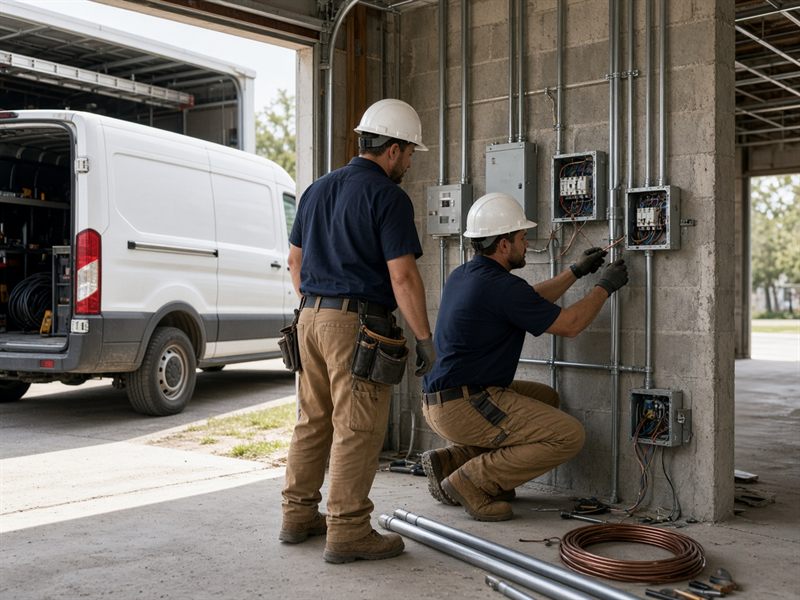
Electrical and MEP
Opportunity · Site survey · Design · Permits · Installation · Commissioning · Closeout
One record for the job, the crew, and the trucks.

Construction
Proposal · Preconstruction · Permits · Construction · Punch list · Closeout
The bid, the daily work, and billing stay on the project.
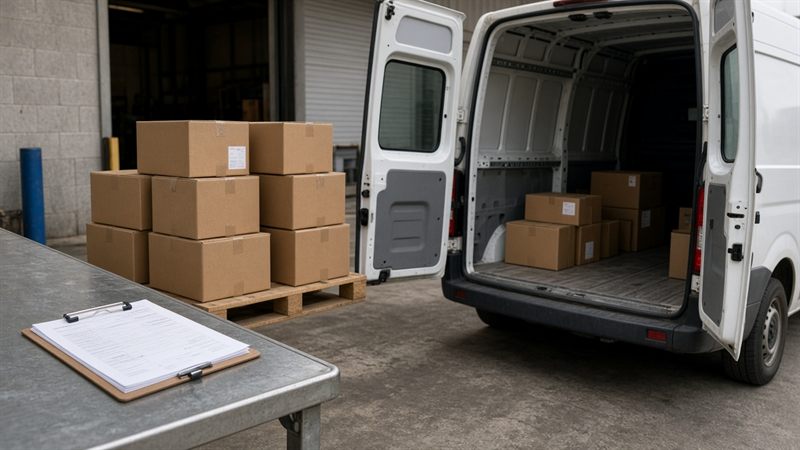
Supply and warehouse
Opportunity · Quote · Order · Pick · Delivery · Closeout
One quantity for the shelf, the catalog, and the customer. Fleet turns on when product leaves on a company truck.
After the requirements are gathered, modules turn on or off inside the company type and the paid plan. We also offer functionality improvements for needs that show up in that company.
Projects, people, stock, and customer records stay connected through the modules your company activates.
Software, electrical, construction, or supply. The menu follows that type, then the plan, then the modules the company turns on.
A project carries the client, the schedule, and the billing. A supply company carries one quantity from the vendor order to the next reorder.
Employees, roles, hours, leave, and credentials sit behind the login. Driver credentials are there when the crew takes a truck.
Orders, documents, and invoices open in the customer portal, whether the sale was online, at the counter, or on a kiosk. Project clients can be invited to the same place.
Eight operating modules. Each company type uses the ones that fit the work. A module stays available only when it is on the plan and the company has activated it. Each module lists what the crew can do on the phone.

Software · Electrical · Construction
The snagThe project lives in email, a shared drive, and a spreadsheet of what the client owes.
What it fixesThe job has one record from the first proposal through closeout.
The crew updates the job from the site, and that update is the project file.

Software · Electrical · Construction
The snagThe schedule sits on a board the field crew never opens, and follow-ups die in chat.
What it fixesThe people doing the work see the same schedule as the office.
The person doing the work moves the task, and the office sees that status.
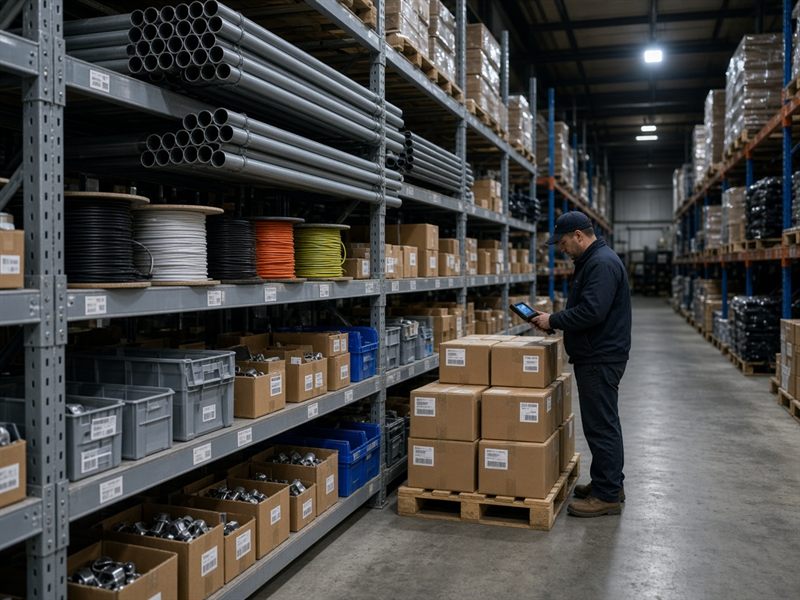
Supply
The snagExcel, QuickBooks, and the shelf each hold a different number. Nobody can say what is actually for sale.
What it fixesOne live quantity. You sell only what is on the shelf.
The quantity changes at the shelf, so a sale cannot use a stale number.

Supply
The snagThe online store, the counter, and the kiosk each keep a different price and a different count.
What it fixesPublish once. The store, the counter, and the kiosk sell the same catalog against the same stock.
A quote, an order, or a delivery on the floor uses the same catalog and the same stock.

Software · Supply
The snagThe same buyer is an email, a spreadsheet row, and a phone call asking for the invoice.
What it fixesLook the customer up once. The rest of the order follows that record.
Whoever is with the buyer opens the same customer file the office has.

Every company type
The snagWho can open a job, a sale, or a truck lives in someone's head. Hire papers and hours sit in other folders.
What it fixesThe right people get into the work, with a file behind the login.
Hours and a request start on the phone, with the employee file behind the login.

Supply
The snagA physical count is pasted into the system, so every counting error goes live as “the truth.”
What it fixesThe shelf is counted, reconciled, and signed off before it becomes the official starting number.
The count is taken at the bin. It becomes the stock number only after it is approved.
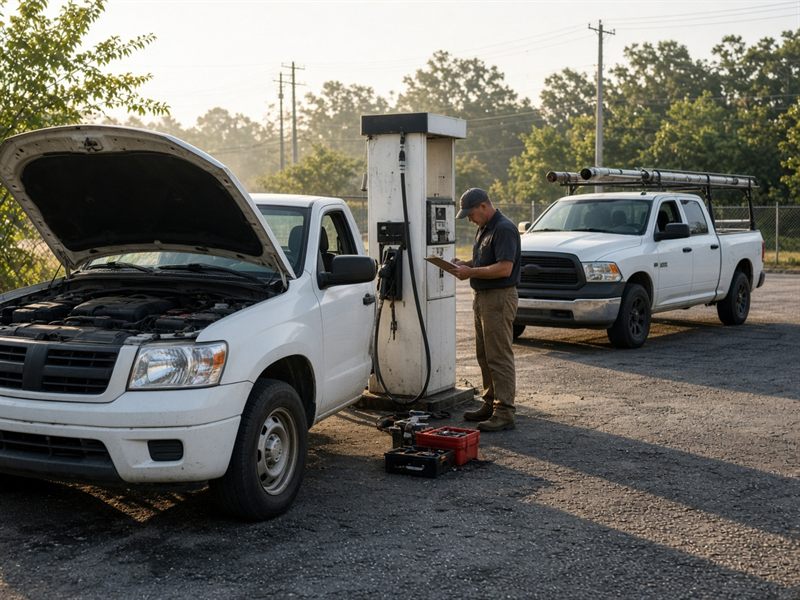
Electrical · Supply when trucks carry the work
The snagThe truck leaves, and the office loses the miles, the insurance date, and who has the keys.
What it fixesThe vehicle stays on the record. Coverage and service dates stay visible.
The driver and the office share the truck: who has it, where it is, and what it looked like.
A supply company sells the same catalog three ways. The customer portal is where the buyer follows the order after any of them.

Online store
The buyer shops the catalog on the web, against available stock.
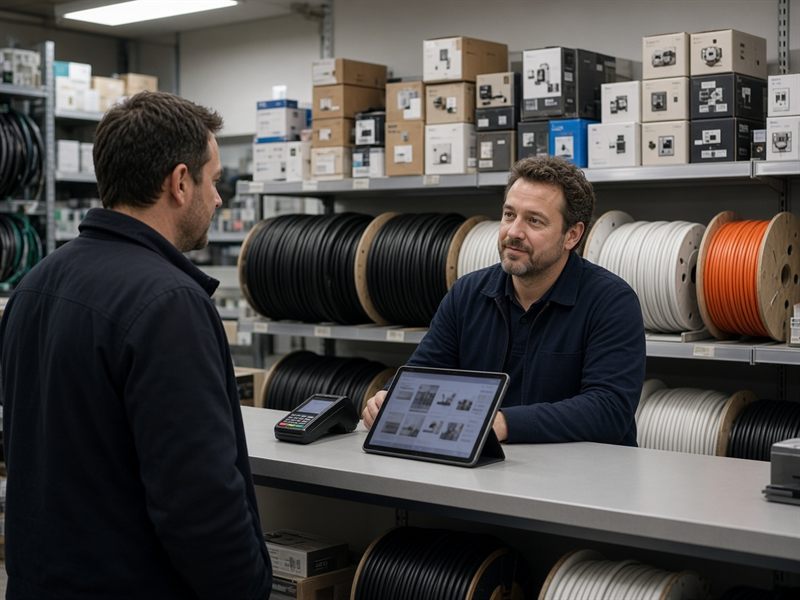
Counter
Staff quote and sell from the counter or the office.
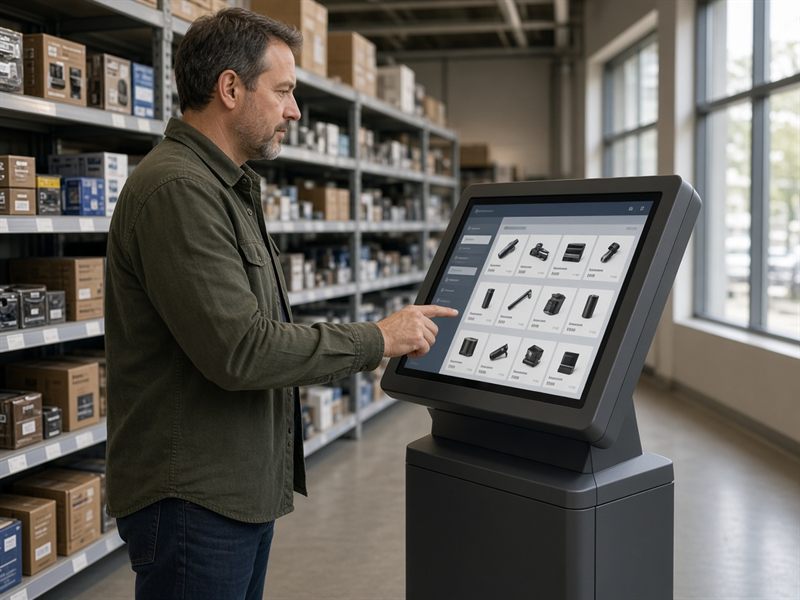
Kiosk
The customer orders alone on a screen in the shop.

Customer portal
After the sale — online, at the counter, or on the kiosk — the customer opens a private place for that order.

Worker app
The same VSuite One login, on the phone, for the modules that company turned on. It can sit on the home screen. What the crew enters is the office record.
Same login. Same record.
Clock in and clock out. The attendance record can keep a photo and the place.
Tasks, tickets, a daily report, and punch items on the project.
Look up stock, move it, and count a location. A count posts only after it is approved.
Open the customer, order against available stock, and confirm delivery with a name, a note, and a photo.
Check a vehicle out, see who is on the live map, and log fuel or an inspection with photos.
We gather the company's requirements, adjust the modules to what we found, and improve a feature when the work needs it. A supply shelf still waits for an approved count before it becomes the official number.

First
The snagThe daily work is scattered, and nobody has written what this company needs.
What it fixesWe sit with the company, name the type, and write the requirements for that work.

Then
The snagEvery tool is either on for everyone or missing when the crew needs it.
What it fixesModules turn on or off to match the requirements, inside the company type and the plan.
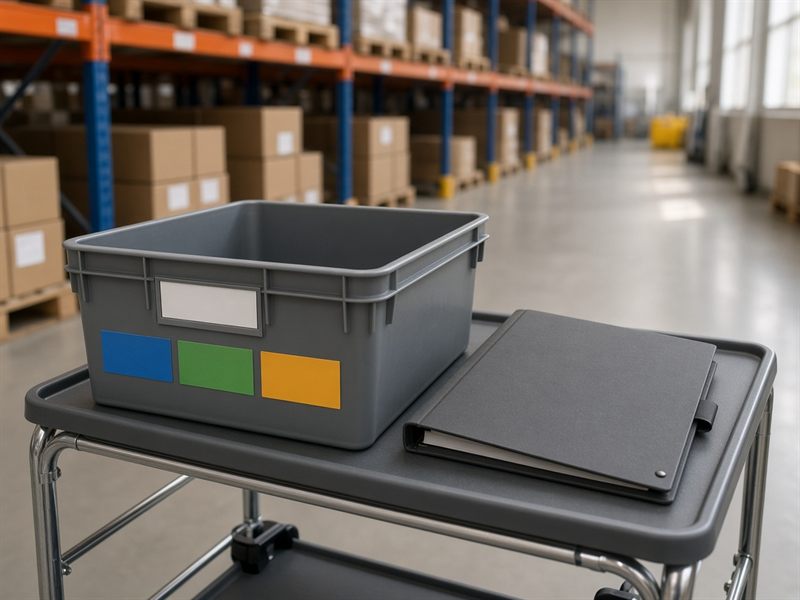
Then the work
The snagThe system is empty, or a later need has no place in the setup.
What it fixesA first project, the crew, the customer file, or a counted shelf. A later need becomes an improvement for that company.
Short answers to what buyers ask first. The rest of the page shows the work behind them.
Schedule a 30-minute call. We gather the company's requirements, adjust the modules to what we find, and offer an improvement where the work needs one. Miami, Monday through Friday, 9:00 AM to 5:00 PM ET.
Software delivery, electrical and MEP, construction, and wholesale supply. A custom type starts from the closest fit and turns modules on or off inside that set and the paid plan.
Software gets Portfolio, Tasks, Human Resources, and Customers. Electrical uses Portfolio, Tasks, Human Resources, and Fleet. Construction uses Portfolio, Tasks, and Human Resources. Supply uses Inventory, Inventory count, Marketplace, Customers, and Human Resources, with Fleet when trucks carry product.
Yes. Access is the paid plan, the company type, and the modules the company activates. A module outside that set stays off.
The project follows that trade's lifecycle. The file can hold permits, daily reports, RFIs, submittals, a punch list, commitments, pay applications, change orders, and Florida lien notices when the job needs them. Crew hours stay in Human Resources.
We quote after we see the company type, the locations, and which modules should be on. There is no single list price.
On a supply company, the raw count is not the system number until variances are explained and approved. Opening inventory waits for that sign-off.
Yes. It is the same VSuite One workspace on the phone, for the modules that company turned on. Crews clock in, update tasks and project reports, count and move stock, open a customer, confirm a delivery, and check a truck out. The office sees that same record.
Online in the store, at the counter, and on an in-store kiosk. All three use the same catalog and the same available stock. The customer then follows the order, the documents, and the invoice in the customer portal.
A 30-minute call to gather the company's requirements. We adjust the modules to what we find, and we offer an improvement where the work needs one.
Evaluating VSuite One? Schedule a call. Already running on it? Open the company app.